

Card games
Sluff Scorecard
Scorekeeping for the card game Sluff, done for you.
Download on theApp Store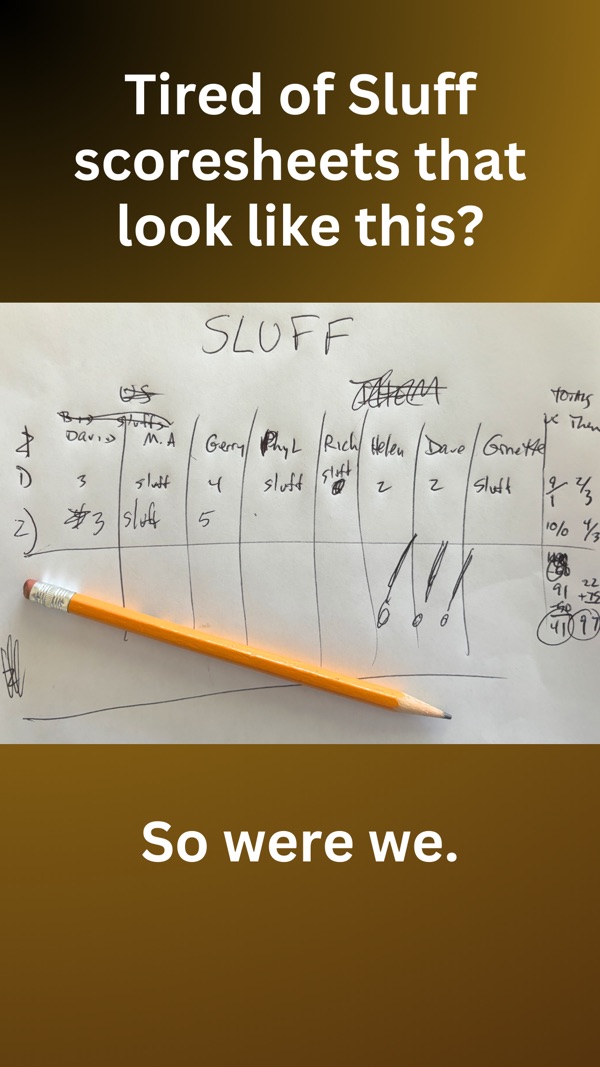
Put away the pen and paper. Choose 4, 6, 8 or 10 players, name your teams and players, and Sluff Scorecard handles the bids, sluffs, tricks and running score.
It tracks who deals next, calculates each hand automatically, keeps a round-by-round history, and lets you fix an earlier round if a score was entered wrong.
How it works
Choose the players
Pick 4, 6, 8 or 10 players and personalize team and player names.
Record the bids
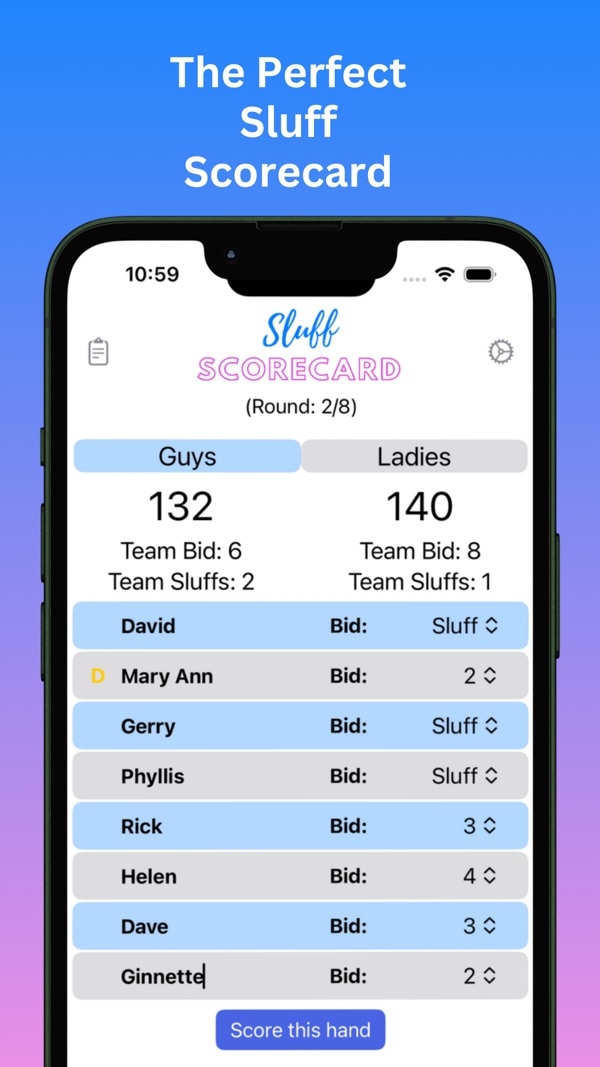
Enter each player’s bid or Sluff. Team totals add up for you.
Score the hand
Enter tricks and Sluffs won, and the scorecard does the math and moves the deal.
Screenshots
Features
Every bid and Sluff
Built for 4 to 10 players in two teams.
Automatic scoring
Bids, overtricks and Sluff bonuses calculated for you.
Fix any round
Edit an earlier round and every total updates.
Never lose a game
Resume a game in progress after the app closes; the screen stays awake.
Support
Answers to common questions. Still stuck? Email [email protected] with your device and iOS version.
I closed the app mid-game. Is my game lost?
No. Open the app and tap Resume Game on the title screen. Tap New Game to start over instead.
How do I correct a score from an earlier round?
Open the score history (clipboard icon), tap the round number, and change the tricks or sluffs. Later rounds recalculate automatically.
Where are the rules?
Right here on this site, or tap the gear icon in the app.